

Convert a scanned PDF to editable Word
Upload a scan or a photo of a page. Text recognition (OCR) turns it into Word text you can edit, search and copy.
- Upload
- Choose pages
- Convert
Upload a PDF
or drop a PDF or image here
No account or card required · PDF, JPG or PNG up to 50 MB · scans welcome · not password-protected
Files from your free page are deleted 24 hours after you convert it. Scanned and complex pages are read by Microsoft. How we handle your files
From a picture of text to text you can edit
-
No separate OCR step
Upload the scan as it is. Text recognition runs during the conversion, and the Word file holds real text, not a picture of the page.
-
Ordinary Word content
Paragraphs, numbered lists and tables, with no floating text boxes or frames, so you can edit and restyle it like any Word file.
-
Possible misreads listed
Words the recognition may have misread are listed for you to check, with a suggestion when there is one. Your text is never changed for you.
-
Handwriting and blacked-out areas
Handwriting is read as typed text you can review. Blacked-out areas show as “[Redacted]”, so nothing hidden is guessed.
A real scan, converted and unedited
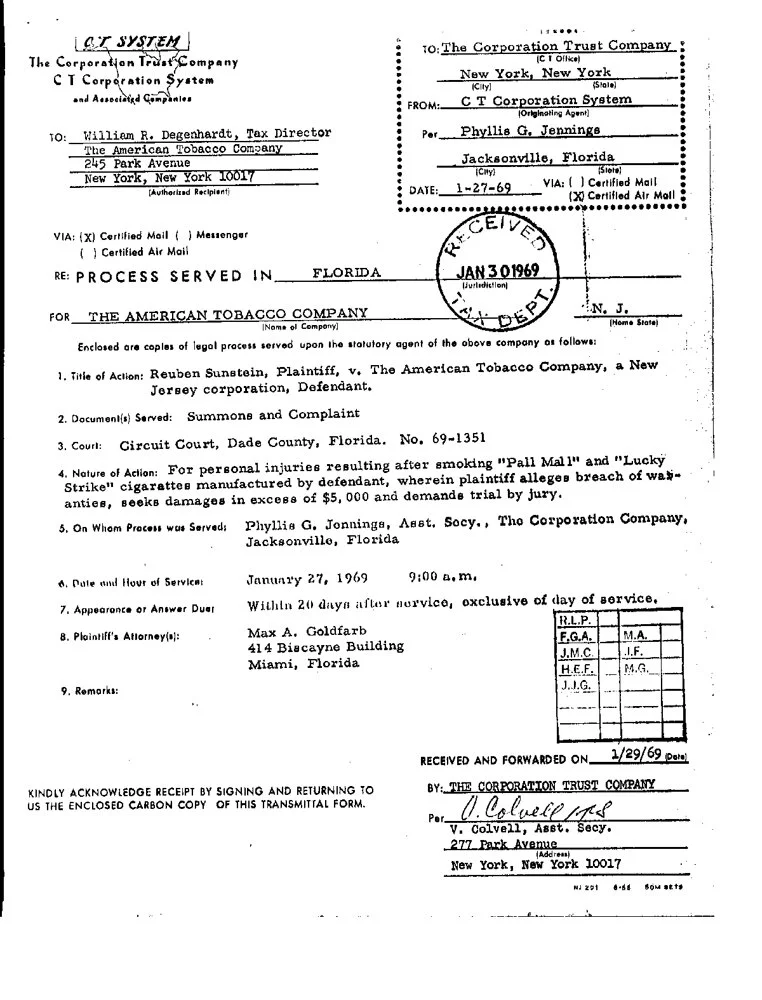
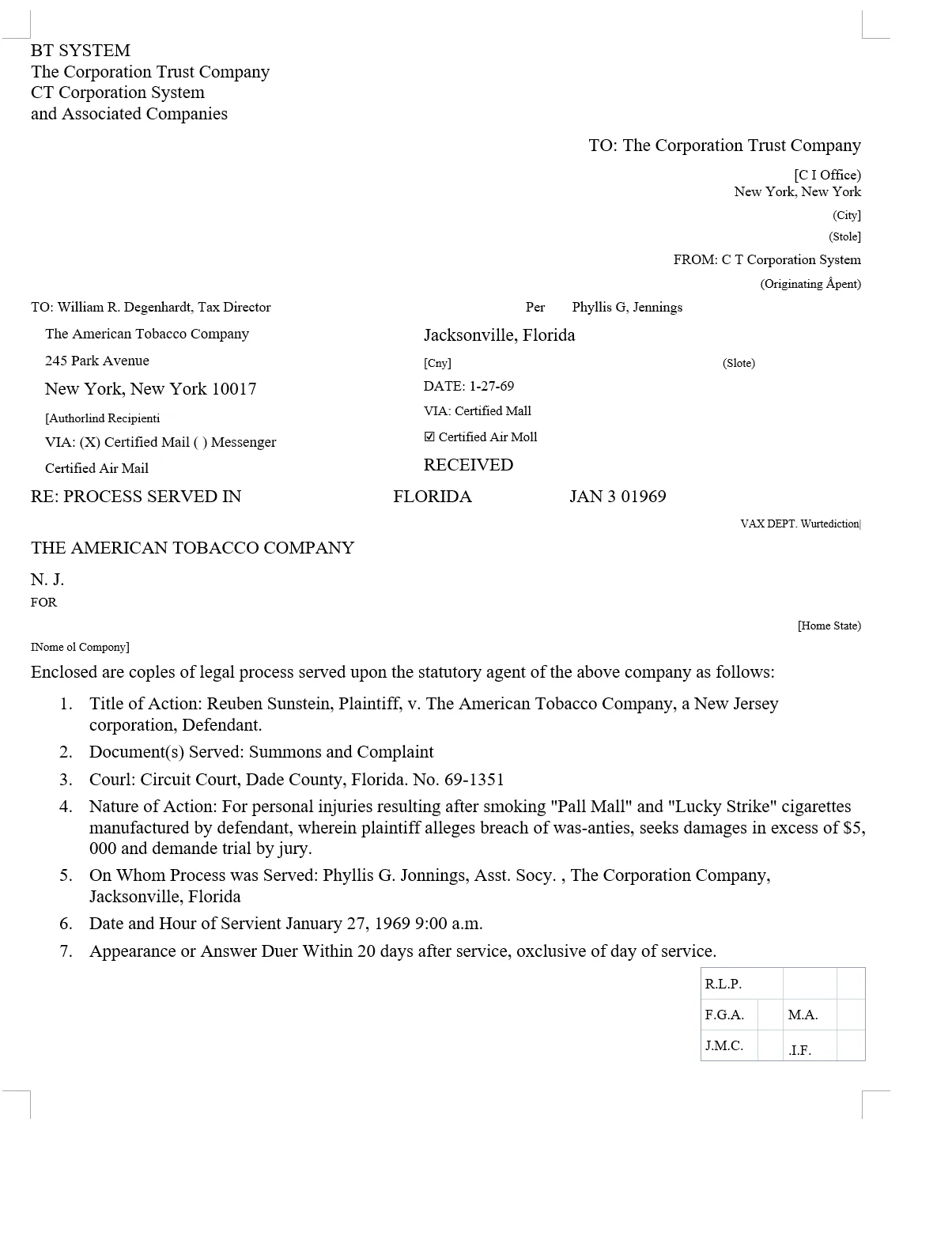
A typed 1969 legal notice from a public archive, with a stamp, a signature and a numbered list. This is exactly what came back.
What came through, and what needed fixing
Came through as editable Word
- The typed text as ordinary paragraphs, such as “Reuben Sunstein, Plaintiff, v. The American Tobacco Company, a New Jersey corporation, Defendant.”
- Items 1 to 9 as one real Word numbered list
- The grid of initials as a Word table
- No text boxes or floating frames, in one Word section
Needed a quick fix by hand
- Some words misread: “coples” for “copies”, “Courl” for “Court”, “Servient” for “Service:”, and “$5, 000” with a space
- Small printed labels under the lines read badly, such as “(Stole)” for “(State)”, and the letterhead’s “C T SYSTEM” came out as “BT SYSTEM”
- The stamp and the signature became stray text (“VAX DEPT.”, “V. Colorce”)
- The address block at the top is spread out and partly out of order, and the page runs onto a second Word page
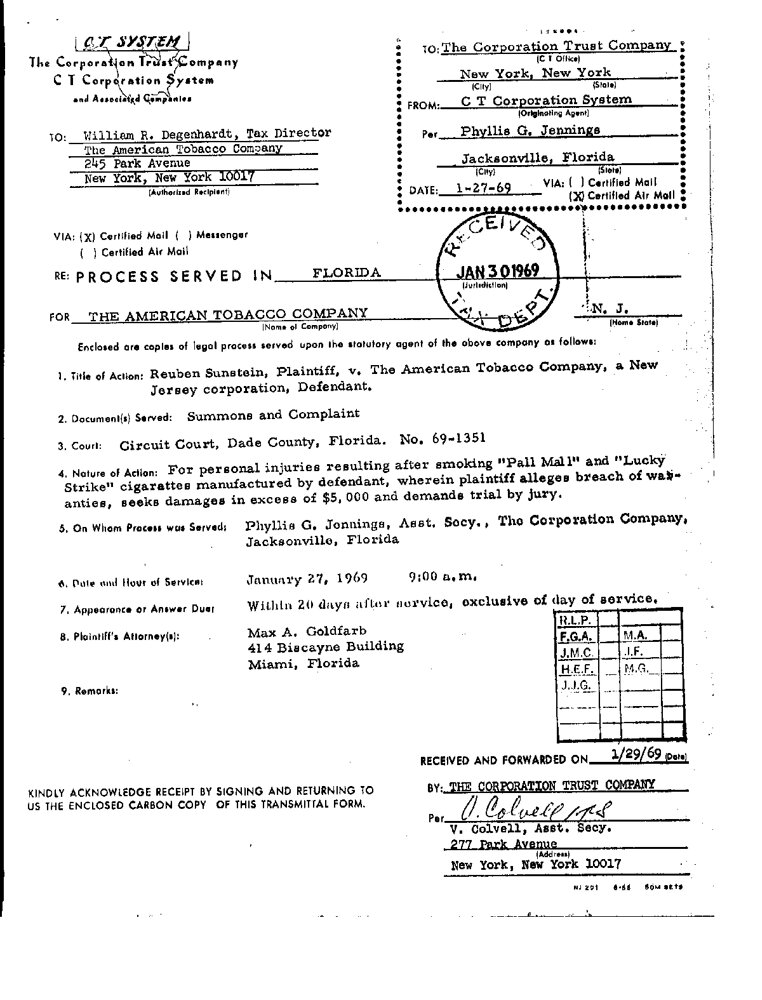
Check it yourself: the scan (JPG, 146 KB) · Word result (DOCX, 5 KB)
Questions about scanned PDFs
Do I need to run OCR on the PDF first?
No. Upload the scanned PDF as it is: the text is recognised during the conversion. Scanned pages are read by Microsoft; see who processes your data.
Can I convert a photo of a document?
Yes. A JPG, PNG, WebP, GIF or BMP image is converted as one page, up to 50 MB and between 50 and 10,000 pixels on each side. TIFF and HEIC aren’t supported yet: save the image as JPG, PNG or PDF first.
How accurate is the text?
It depends on the scan. Clean, typed pages come through best; faint, smudged or low-resolution pages and handwriting need more checking, as the example above shows. Flag scanning errors (on by default) lists words that may be misread, with a suggestion when there is one.
Will the Word file look like the scan?
Not exactly. You get a clean document that flows like a normal Word file, and fonts and spacing can change. To start each scanned page on a new Word page, turn on Keep page breaks in the conversion settings.
Convert your own scan
Your first page is free. No account, no card.
Choose a file